
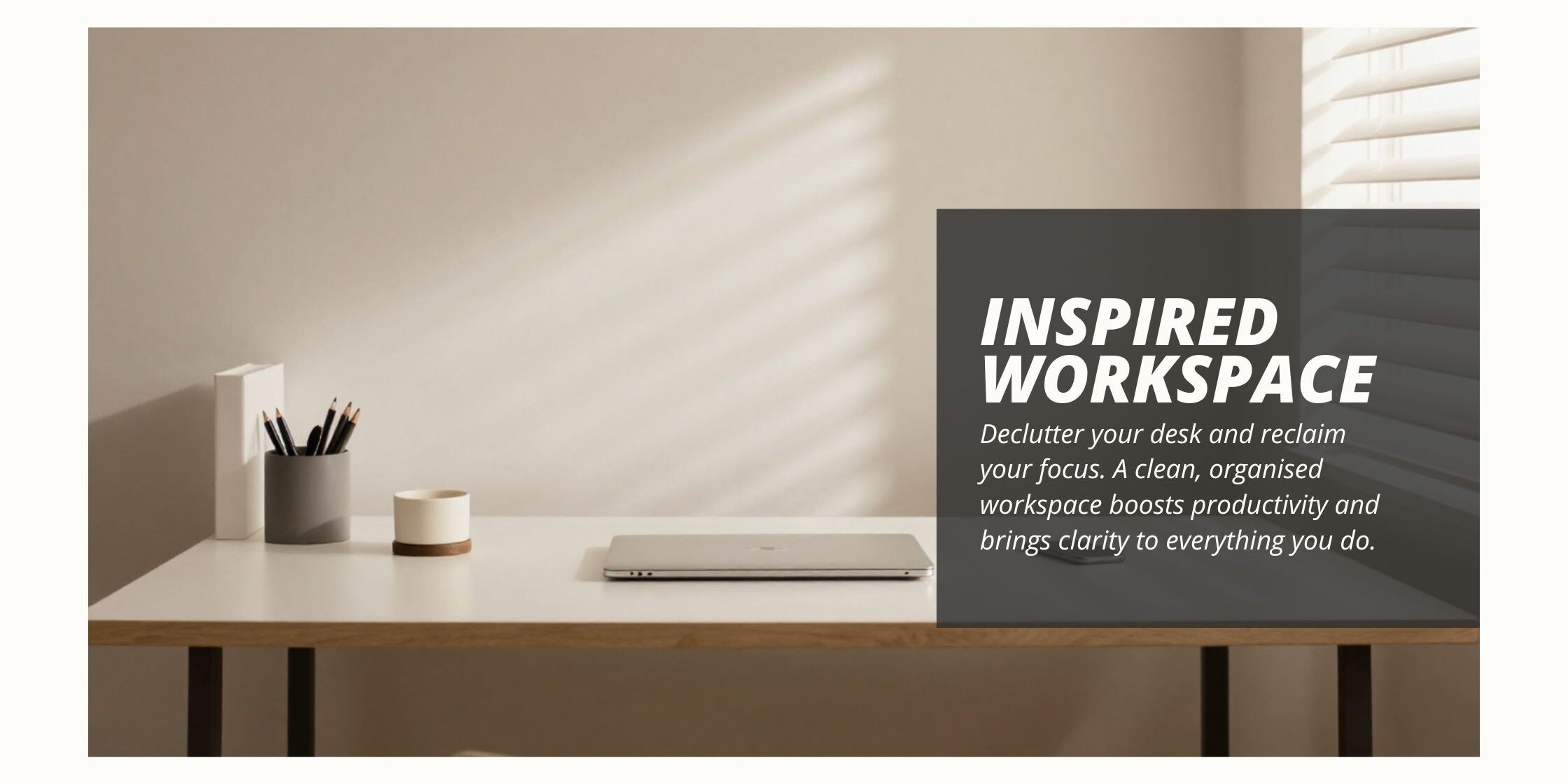
A cluttered desk quietly drains your focus. Every stray paper, dead pen, and forgotten mug pulls a small piece of your attention away from the work in front of you. Decluttering your workspace fixes that, and the payoff shows up fast.
I made a short video on this exact topic, because a messy desk was slowing me down more than I wanted to admit. Once I cleared it out, I noticed the change within a single day. My focus lasted longer, and I stopped losing minutes each hour hunting for a pen or a missing document.
This guide walks through six steps for decluttering your workspace. It also covers the mistakes that stop people from sticking with the habit, and how to deal with digital clutter, not just the mess on your desk.
What Does Decluttering Your Workspace Actually Mean?
Decluttering your workspace means clearing out anything on or around your desk that does not help you work. That includes broken tools, old paperwork, and random decorations. It also includes digital mess, such as a cluttered desktop or an overflowing inbox.
It is not about owning fewer things for the sake of it. It is about keeping only what earns its place on your desk. When your desk holds less, your mind has less to sort through before you can start real work.
Decluttering your workspace is not a one-off task, either. Your desk fills back up with small items over weeks and months. The habit matters more than the initial clear-out, because a single big tidy-up fades within a few weeks without one.
Why a Cluttered Desk Hurts Your Productivity
Clutter costs you in three separate ways, and it helps to see them clearly before you start clearing your desk.
First, clutter adds a small mental cost every time you glance at it. Your brain registers each item in your field of view, even the ones you are not using. A desk covered in loose papers and old mugs keeps feeding your brain small, unwanted signals, and that background noise makes it harder to concentrate on one task.
Second, clutter costs you real time. Searching for a document buried under a pile, or hunting for a pen among ten broken ones, adds up to minutes lost several times a day. Over a working week, those minutes become hours you never get back.
Third, clutter feeds decision fatigue. Every item you have not dealt with is a small decision waiting to happen: keep it, file it, or bin it. A desk full of undecided items means your mind is quietly working through dozens of tiny decisions before you have even opened your laptop.
decluttering your workspace removes all three costs at once. That is why decluttering your workspace tends to produce a bigger jump in focus than people expect from something so simple.
Remove Unnecessary Items

Ask What You Actually Need
Look around your desk and ask a simple question about each item: does this help me work? A collection of novelty mugs, three chargers for phones you no longer own, and a stack of old conference badges usually fail that test straight away.
Be honest about items you have kept out of habit rather than use. This step alone often clears a third of what sits on a typical desk. It also takes less time than most people expect, once they commit to being ruthless.
Get Rid of Broken or Outdated Items
That stapler you keep meaning to fix, the pen that ran dry weeks ago, and the notebook you filled up last year all take up space. None of them give anything back. Throw them out, recycle what you can, and stop promising yourself you will fix them later. A broken tool kept “for now” almost always stays broken for months.
The KonMari method offers a useful test here: keep only what earns its place. You can read more about the KonMari method if you want a fuller framework for these decisions. You do not need to buy into the whole philosophy to use the core idea on your own desk.
Build a System for Future Decisions
Once your desk is clear, set up a simple rule so clutter does not creep back in. A common one is a one-in-one-out rule: if a new item lands on your desk, something else has to leave.
Use labels or a colour code to mark which items are essential. Marking your core tools this way makes the next clear-out much faster, because you have already done the hard thinking about what matters.
Organise Materials Efficiently
Sort and Categorise What You Keep
Decluttering your workspace requires that you group what is left into clear categories: pens and pencils, notebooks, sticky notes, and cables. Sorting first makes the next step, storage, far easier. Once everything sits in its own group, you can see exactly how much space each category needs.
Invest in Storage That Fits Your Space
A desk organiser, a drawer unit, or a small shelf can all work for decluttering your workspace, as long as it matches how much you actually own. Buying more storage than you need just gives clutter more room to spread out again. Measure what you have first, then buy storage to match it, rather than the other way round.
Label Everything
Give each drawer, tray, or box a clear label. This step matters more than it sounds when it comes to decluttering your workspace. A labelled system stays organised for months. An unlabelled one drifts back into chaos within a couple of weeks, because nobody remembers which drawer was meant for what.
Keep a Clean Desk
Build a Daily Tidying Routine
Set aside two or three minutes at the end of each day for decluttering your workspace. Put stray items away, wipe down the surface, and straighten anything that has drifted out of place.
This small daily habit is the single biggest factor in keeping a desk clear over the long run. It matters more than any storage system on its own, because storage only helps if you actually use it every day.
Put Items Away Right After Use
Most desk clutter builds up because items get left out after they have served their purpose, not because people bring new things onto the desk constantly. A pen used for a quick note, a folder pulled out for one meeting, a mug from this morning’s coffee: each one is small on its own. Across a whole day, though, they add up fast.
Make it a habit to return an item to its spot the moment you finish with it, rather than telling yourself you will tidy up later. Later rarely comes before the pile has grown.
Use Desk Organisers and Trays
A simple tray for incoming paper, a cup for pens, and a small tray for loose items all give clutter a home before it becomes clutter. These tools work because they make putting something away just as quick as leaving it out, which removes the small excuse that tidying takes too much effort.
Implement a Filing System
Sort Documents Into Clear Categories
Paperwork piles up faster than almost anything else on a desk. One proven method for decluttering your workspace is to sort documents by project, client, or topic, using categories that fit how you actually work. A category structure borrowed from someone else rarely fits your own filing habits for long.
Choose Folders, a Cabinet, or a Digital System
Physical folders work well for documents you need often. A filing cabinet suits paperwork you rarely touch but must keep for records. Digital filing, through cloud storage or a tool like Notion, works best for anything you can scan and store without losing the original.
Pick one system rather than splitting documents across several. A mixed system is much harder to search when you actually need a file in a hurry.
Label for Fast Retrieval
Give every folder a clear, specific name. “Client Invoices 2026” beats “Misc,” every time. This is key for decluttering your workspace. A vague label saves a few seconds today, but it costs you minutes of searching every single time you need that file again.
Regularly Review and Declutter
Set Aside Dedicated Time for Decluttering your Workspace
Decluttering your workspace does not happen on its own. Put 15 minutes on your calendar every week or two. Treat it the same as any other task on your list, rather than something you will get to eventually.
Reassess Your System as You Go
During each review, check whether your current setup still fits how you work. A filing category that made sense three months ago might not fit your current projects any more.
Adjust the system rather than forcing old paperwork into categories that no longer apply. Your workspace should follow your work, not the other way round.
Remove What You No Longer Need
Be as ruthless in your reviews as you were in the first clear-out. Old notes from a finished project, a manual for equipment you no longer own, and duplicate copies of the same document can all go.
Consider Minimalistic Design
Cut Decorations That Steal Focus
A desk covered in ornaments and photos looks personal, but every item is something your eyes pass over before they land on your work. Keep the one or two things that genuinely matter to you, and clear the rest.
Choose Clean, Simple Furniture
When you replace or add furniture, pick pieces with simple lines and few extra features. A minimalist desk and chair are easier to keep tidy, because there are fewer surfaces and gaps for small items to collect in.
Balance Function With Comfort
Minimalism should never come at the cost of comfort. A chair that supports your back and a desk at the right height matter more than how sparse your setup looks. Function and comfort should always come before appearance, since a striking desk that hurts your posture will cost you more than it saves.
Physical Clutter vs Digital Clutter
Decluttering your workspace usually brings to mind a messy desk, but a cluttered laptop causes the same kind of drag on your focus. A desktop covered in random files, hundreds of unread emails, and dozens of open browser tabs all pull at your attention the same way a pile of papers does.
The fix follows the same logic as the physical desk. Sort digital files into clear folders instead of dumping everything on the desktop. Unsubscribe from emails you never read, so your inbox only holds messages that matter. Close browser tabs the moment you are done with them, rather than letting forty tabs sit open as a kind of digital to-do list.
A workspace is only fully decluttered when both the physical desk and the screen in front of you are clear. Many people fix one and ignore the other, then wonder why their focus still feels scattered.
Digital clutter is easy to ignore, because it never physically sits in your way the way a messy desk does. It still costs you the same three things clutter always costs: attention, time, and small decisions you keep putting off. Treat a cluttered desktop the same way you would treat a cluttered drawer, and set a weekly reminder to clear it down alongside your physical review.
A tidy inbox deserves the same weekly slot as your desk review. Sort emails into a small number of folders, unsubscribe from lists you skim past without reading, and archive anything older than a month that you have not needed. Most inboxes hold hundreds of messages nobody will ever open again, and each one adds a tiny bit of noise every time you scroll past it looking for something specific.
Common Decluttering Mistakes to Avoid
- Buying storage before sorting what you actually have, which just gives clutter new places to hide.
- Doing one big clear-out and never reviewing the system again.
- Sorting papers into vague categories like “Misc,” which makes filing and finding documents harder later.
- Decluttering the desk but ignoring a cluttered desktop or inbox.
- Keeping items “just in case,” instead of asking whether you have used them in the past year.
- Copying someone else’s filing system exactly, rather than building categories that fit your own work.
Frequently Asked Questions
How often should I be decluttering my workspace?
Aim for a quick daily tidy, plus a deeper review every one to two weeks. The daily habit stops small clutter from building up. The review catches anything the daily tidy misses.
Does decluttering your workspace really improve productivity?
Yes. A clear desk reduces the small distractions that pull your attention away from work. Fewer distractions mean fewer interruptions, and more time spent actually focused on the task in front of you.
What should I do with items I am unsure about keeping?
Put them in a box, and set a date a few months out. If you have not needed anything in the box by then, you likely do not need it at all.
Is a completely empty desk the goal?
No. The goal is a desk with only what helps you work, not an empty one. A completely bare desk can be as impractical as a cluttered one, if it means digging through drawers for basic tools every time you need them.
How long does it take to see the benefits of decluttering your workspace?
Most people notice a difference within a day or two of the first clear-out. The bigger gains build up over a few weeks, once the daily tidying habit and the filing system are both running smoothly.
Final Thoughts on Decluttering Your Workspace
A cluttered desk is a slow, quiet drain on your focus. Clearing it out, building a simple filing system, and reviewing your setup every couple of weeks keeps that drain from creeping back in.
Start with one section from this guide, whether that is your desk surface or your digital files, and build from there. For more ways to protect your focus once your desk is clear, read four easy ways to boost your productivity or see how task batching boosts your efficiency.
A calm desk supports a calm mind, but mindset plays its own part too. If work has started to feel like toxic productivity, pair a tidy desk with a pro mindset built for the long run. Bring your tools together in one centralised workspace too, so a clear desk and a clear system work together.
About the author: I write about productivity and project management at gmkayange.me. If you found this useful, subscribe to my YouTube channel for more tips on building a workspace that works for you, not against you.